What Is Rush View App?
Rush View is mainly associated with Android and provides a simple way to browse online content.
The app is often searched for using terms such as Rush View app, Rush View APK, Rush View download, and Rush View app download.
Its simple approach can be useful for users who want basic browsing without a complicated interface.
Rush View Features
Simple Interface
A simple interface makes navigation easier.
Users can find common controls without dealing with too many complicated menus.
Web Browsing
Rush View is designed around accessing web content.
Performance can depend on your phone and internet connection.
Android Support
The application is mainly associated with Android devices.
Compatibility depends on the installed version and your Android release.
APK Installation
Users can install Rush View through an APK when a compatible file is available.
Always check the source before installation.
Rush View Pros
Rush View has several points that may appeal to Android users.
It has a simple concept and can be easy to understand.
APK installation also gives users another way to install the app when the usual store method is not available.
The app may also work on older compatible Android devices when using a suitable version.
Rush View Cons
Third-party APK installation requires extra care.
Different websites can provide different versions of the application.
Some users may also face compatibility problems.
The Android APK cannot be installed directly on an iPhone.
PC users may need an Android emulator.
Rush View Safety
Always check the source before downloading Rush View APK.
Avoid suspicious websites and unknown modified versions.
Rush View Mod APK and Premium APK files deserve extra caution because they are changed by third parties.
Check permissions after installation.
Rush View for PC
If you want Rush View on a computer, an Android emulator may be required.
The APK is designed for Android, not as a standard Windows EXE application.
Windows 11 users should avoid unknown websites offering suspicious executable files.
Rush View for TV
Android TV compatibility depends on the device and app version.
A touch-based app may not work well with a TV remote.
Check compatibility before installation.
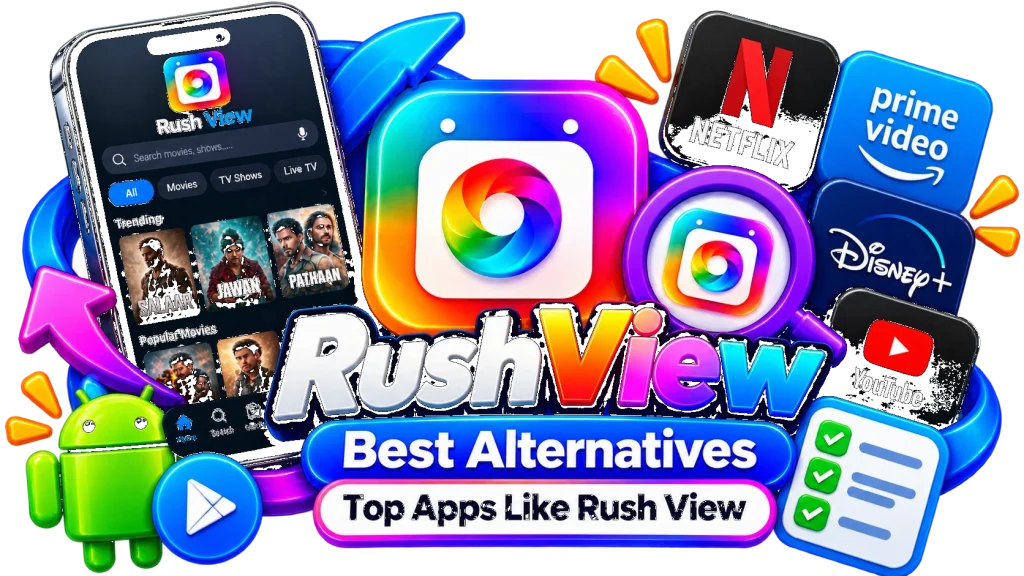
Apps Like Rush View
If Rush View does not provide the features you need, you can explore other Android browsers.
When choosing an alternative, compare:
- Speed
- Privacy features
- Storage use
- Android support
- User interface
- Available settings
Choose an app based on your own requirements rather than installing an unknown application simply because it is promoted as a Rush View alternative.
Frequently Asked Questions
What is Rush View?
Rush View is an Android application associated with simple web browsing and online content access.
Can I download Rush View APK?
A compatible APK may be available from third-party Android application sources. Check the version and source before downloading.
Can Rush View run on PC?
An Android emulator may allow the compatible Android version to run on a PC.
Can Rush View run on iPhone?
An Android APK cannot be installed directly on iOS.
Is Rush View Mod APK safe?
Modified APK files can come from unknown sources. Check them carefully before installation.
Final Thoughts
Rush View is mainly relevant to Android users looking for a simple browsing application.
Before downloading it, check the APK version, Android requirements, source, and permissions.
For PC and TV use, compatibility should be checked separately.
If you need another application, compare its features and security before installing it.