What Is RushView APK?
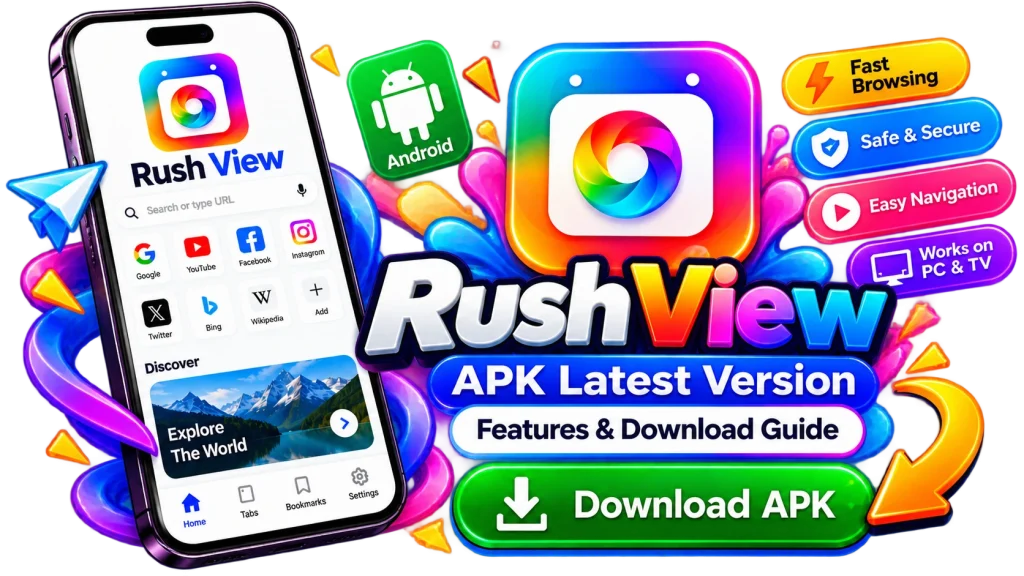
RushView APK is an Android application package that lets users install the RushView app on compatible Android devices. Many users search for Rush ViewAPK because they want a simple way to install the app without using the usual app-store method.
An APK is the standard file format used by Android to install applications. When you download a RushView APK, you are downloading the installation file rather than the app directly from an app store.
Before installing any APK, it is important to check the file source, version, Android requirement, and permissions.
Rush View Latest Version
Users often search for the Rush View APK latest version because they want the newest available release. A newer version may include bug fixes, compatibility improvements, or changes to the app interface.
The exact features can change between releases. Because of this, always check the version number before downloading.
Do not rely only on a page title that says “latest version.” Check the actual APK information shown on the download page.
Rush View APK Features
Rush View focuses on a simple user experience. Depending on the version, users may find basic browsing and web access features.
The simple layout can make the app easier to understand. Users who do not need many advanced browser tools may prefer a lighter interface.
Some versions may also provide browsing history and cache-related options.
How to Download Rush View APK
Downloading Rush View APK is straightforward.
First, find a reliable APK source. Check the app name and version before pressing the download button.
After downloading, open your Downloads folder. Locate the Rush View APK file and check that the download has completed properly.
If the file appears damaged or incomplete, delete it and download it again from a trusted source.
How to Install Rush View APK
Open the downloaded APK file.
Android may show a message saying that installation from this source is not allowed. In that case, open the relevant security setting and allow your browser or file manager to install unknown apps.
Return to the APK file and tap Install.
Wait for the process to finish. Once the installation is complete, tap Open.
You can disable the unknown-app installation permission again after installing the application.
Android Requirements
Before downloading Rush View APK, check your Android version.
The requirements can vary between app releases. A phone running an older Android version may not support a newer release.
You should also check available storage. A lack of free space can cause installation problems.
For better performance, close unnecessary background applications before opening Rush View.
Is Rush View APK Safe?
Safety depends on the APK file and its download source.
A file from an unknown website may have been modified. This is especially important when downloading files called Rush View Mod APK or Rush View Premium APK.
Scan the APK before installing it. Also check the permissions requested by the application.
If an app asks for access that does not seem related to its function, think carefully before allowing it.
Common Installation Problems
The most common problem is the “App not installed” message.
This can happen because of an incompatible Android version, damaged APK, insufficient storage, or an existing version of the same application.
Remove the conflicting version if necessary. Then download a compatible APK and try again.
Conclusion
Rush View APK provides an alternative way to install the Rush View application on Android devices.
Before installation, check the version, Android requirement, source, and permissions. Avoid unknown modified APK files and keep your Android security features enabled.