What Is Rush View for TV?
Users searching for Rush View for TV APK usually want to use the application on a larger screen.
Android TV devices can run many Android applications, but not every phone application is designed for TV use.
Compatibility should be checked before installation.
Can Rush View Work on Android TV?
It depends on the app version and your TV device.
A phone application may expect touch controls.
An Android TV normally uses a remote.
If the app does not support remote navigation, some buttons may be difficult to select.
Download Rush View TV APK
Before downloading a Rush View TV APK, check the Android version supported by your television.
Also check the file source.
Avoid websites that provide several unrelated APK files under confusing download buttons.
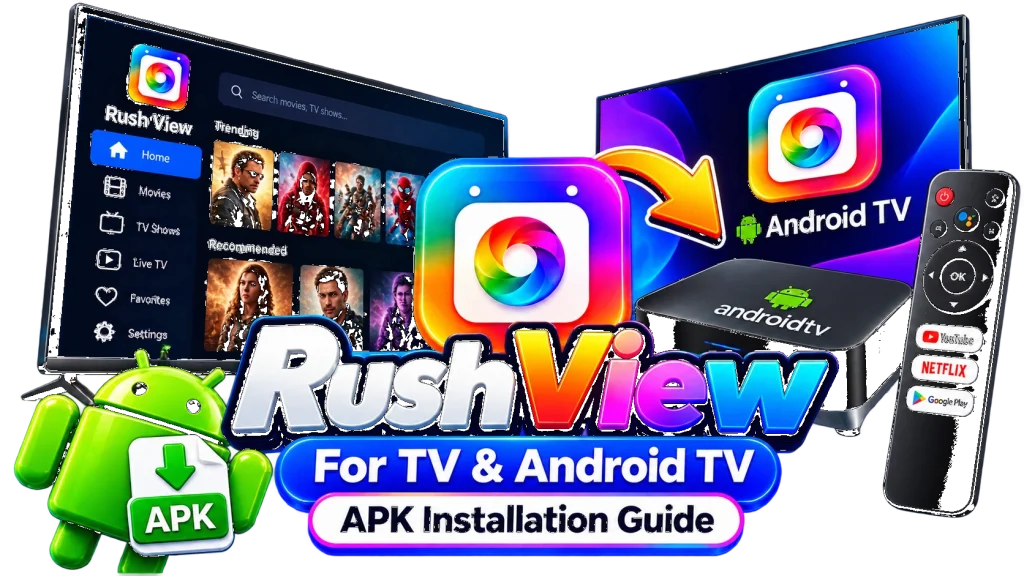
Install APK on Android TV
If your Android TV supports APK installation, transfer the compatible file to the TV or use an appropriate installation method.
Open the APK using a file manager.
Follow the installation instructions shown on screen.
Once installed, open Rush View and check whether the controls work with your remote.
Use a Mouse if Needed
Some Android applications work better with a mouse than a TV remote.
If navigation is difficult, a compatible USB or Bluetooth mouse may help.
However, this depends on your TV hardware.
Common TV Problems
App Does Not Install
The APK may not support your TV’s Android version.
Remote Does Not Work
The application may be designed for touch screens.
Screen Looks Wrong
Some phone applications are not optimized for large displays.
App Crashes
Try a compatible version or check available storage.
Is Every Smart TV Supported?
No.
Android TV, Google TV, and other smart TV systems can have different software environments.
A standard Android APK does not automatically work on every television.
Check your device type before downloading.
Safety Tips
Use a trusted APK source.
Scan the file before installation when possible.
Do not install unknown modified APKs simply because they claim to unlock TV features.
Check permissions after installation.
Conclusion
Rush View for TV depends on device and application compatibility.
Android TV users should check the Android version, remote support, APK source, and installation requirements before trying the app.